Skip to Navigation | Skip to Content


PhoneGap for Samsung Bada | April 14th, 2011

These past few weeks I’ve been working on porting the PhoneGap framework to the Samsung Bada platform.

Bada ships with a default Webkit browser. It supports the W3C geolocation out of the box. The C++ SDK allows developers to instantiate a WebView (called Web Control in Bada) inside a Form (equivalent of a view in Bada). More info on Web control can be found here.

To port PhoneGap, I got most of my inspiration from the existing iPhone implementation. I use a similar technique on Bada.

From Web to native


document.location = "gap://com.phonegap.com.Accelerometer.getCurrentAcceleration"

The url gets intercepted by the WebControl and the command is then dispatched to the appropriate module (Accelerometer module in the case above).

From native to Web

It does not seem to be possible to set the web control URL to “javascript:code” but there is a method that comes with WebControl that not only executes javascript code but also returns its result! The method is:


Osp::Base::String * EvaluateJavascriptN (const Osp::Base::String &scriptCode) const

That is really helpful for sharing data between Native/Web without overloading the URL with JSON/XML data!

The only downside is that it doesn’t seem possible to stick an alert(); as it causes the Web control to hang. I still haven’t figured out a way to do this. So right now you can’t use alerts in your phonegap callbacks. I am still investigating the issue.

PhoneGap Bada supports: Accelerometer, GeoLocation (Browser and Native), Contacts, Device, Network, Notifications, Storage (provided by WebKit), Events
PhoneGap Bada does not yet support: Camera, File
PhoneGap Bada won’t support: Media

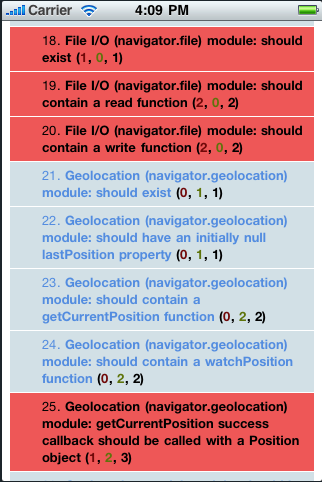
Below is a screenshot of mobile-spec running on PhoneGap Bada.
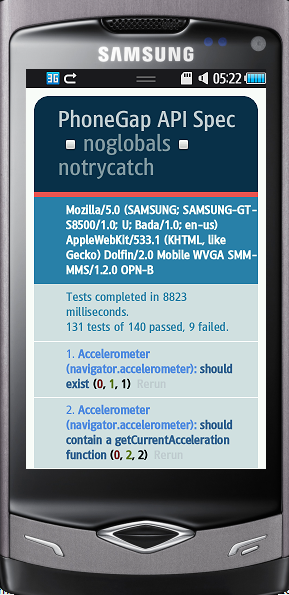
bada1

The Bada SDK is unfortunately Windows Only and there are no plans to port it to other platforms. However, you can run it just fine on a virtual machine.

Code and instructions are on github. Check it out! Let me know what you think! Feedback good or bad is always welcome!
Posted in PhoneGap | Comments Off | Add to Delicious | Digg It

PhoneGap TextMate Bundle | November 22nd, 2010

Dear TextMate users/PhoneGap developers,

I put together a little bundle for your favorite editor. You should now be able to easily get code snippets right in your editor.

You can find it here

Installation instructions are here

How to use:

Type accel.wa and press Tab and you should get:


function onSuccess(acceleration) {
    alert('Acceleration X: ' + acceleration.x + 'n' +
          'Acceleration Y: ' + acceleration.y + 'n' +
          'Acceleration Z: ' + acceleration.z + 'n' +
          'Timestamp: '      + acceleration.timestamp + 'n');
};
function onError() {
    alert('onError!');
};
var options = { frequency: 3000 };  // Update every 3 seconds
var watchID = navigator.accelerometer.watchAcceleration(onSuccess, onError, options);

Now all you have to do is modify the callbacks to suit your needs! Almost every API method should be present.

Feedback always welcome!

Posted in PhoneGap | Comments Off | Add to Delicious | Digg It

How to launch an Android app from the command prompt | October 19th, 2010

We want to pretty much do what Eclipse does when we build&run an Android app:
Compile, Build Package, Uninstall package, Run the app in the emulator/device

function run_emulator {
  package="com.package.name" # replace this with your package name
  class=$1
  ant debug && 
   adb -e uninstall $package && 
   adb -e install -r bin/$class-debug.apk && 
   adb -e shell am start -a android.intent.action.MAIN 
   -n $package/.$class
}

If you want the same thing to run on a device:

function run_device {
  package="com.package.name" # replace this with your package name
  class=$1
  ant debug && 
   adb -d uninstall $package && 
   adb -d install -r bin/$class-debug.apk && 
   adb -d shell am start -a android.intent.action.MAIN 
   -n $package/.$class
}

Add these two functions to your shell profile. It works with Bash and I haven’t tried with other shells.

Here is how to run the app:

$ cd /path/to/your/android_app_root
$ run_emulator ClassName # replace this with the main activity class name


If you deal with different package names you can also specify the package name as a command line argument.

Happy Android Coding!

Posted in Uncategorized | Comments Off | Add to Delicious | Digg It

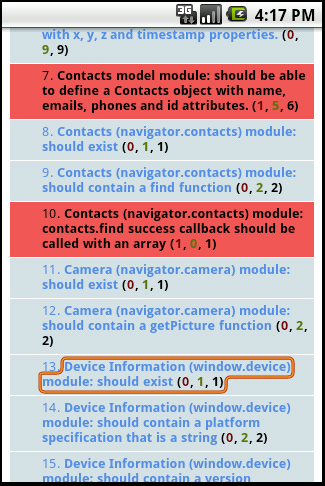
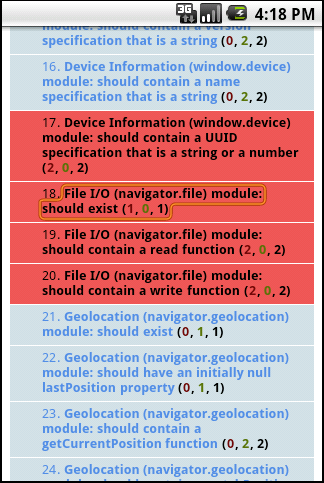
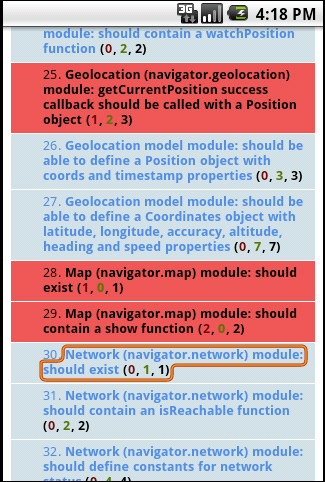
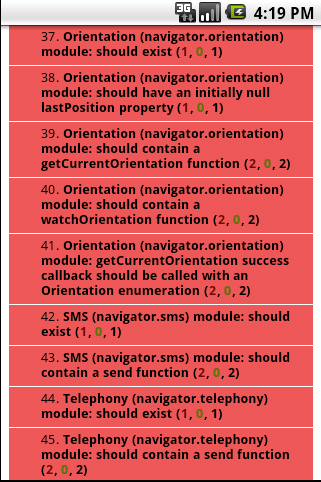
mobile-spec running on PhoneGap Android Froyo 2.2 | May 20th, 2010

Lots of new features have been added to Android Froyo 2.2. Among the most exciting ones are: Better speed with the inclusion of the V8 Javascript engine, JIT compiler as well as a new set of backup/storage and cloud messaging APIs.

I wanted to see how PhoneGap would work on Froyo so I ran mobile-spec on it and below are the results.

As you can see it runs the same as on Android 2.1 and previous ! Some tests fail but there not relevant to the Android Platform (orientation etc…)

Posted in Uncategorized | Comments Off | Add to Delicious | Digg It

mobile-spec test suite on each phonegap platform | March 26th, 2010

mobile-spec is a test suite that runs on each phonegap platform and tests mobile device functionality inside the mobile’s browser.

I will run mobile-spec on each platform once a week and report the results on this blog. Stay tuned!

This week I tested the following platforms:

  • PhoneGap iPhone
  • PhoneGap Android
  • PhoneGap BlackBerry
  • PhoneGap Palm

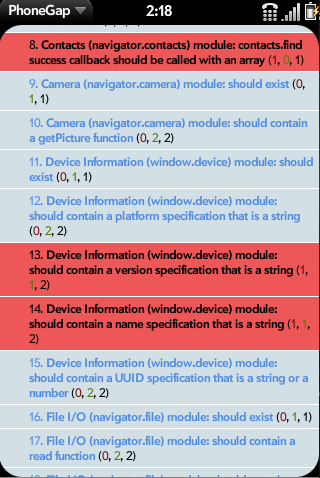
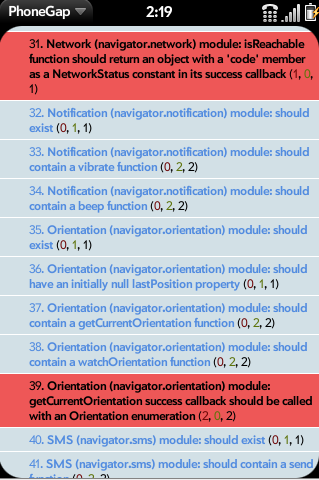
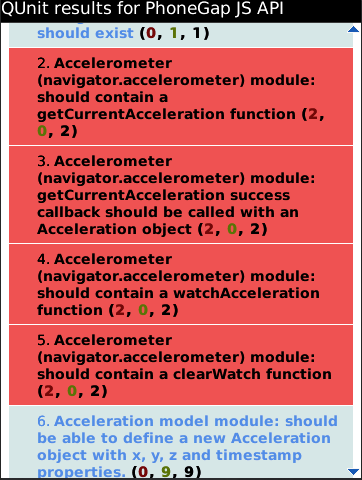
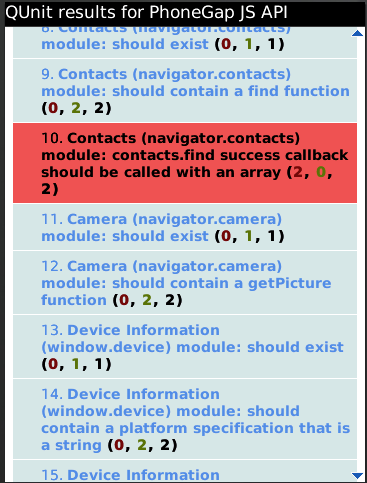
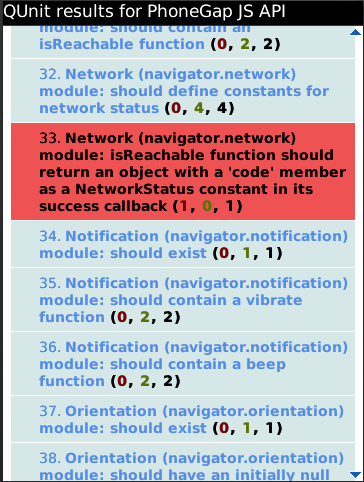
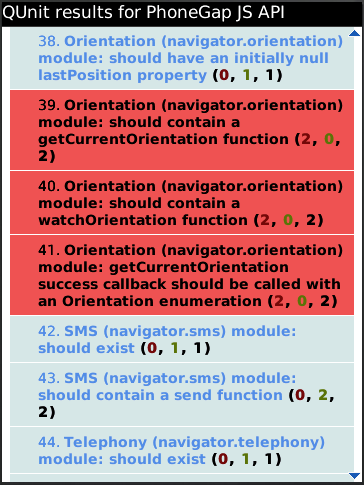
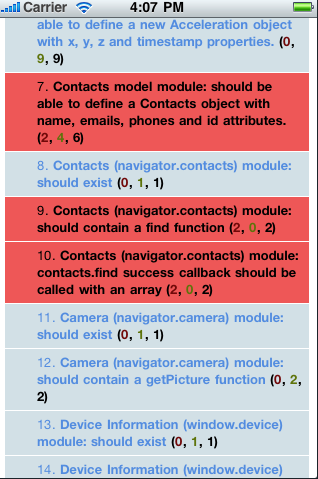
Test results are below. Click on the thumbnail to get more details on the failing tests. I only focus on failing tests.

Posted in mobile-spec | Comments Off | Add to Delicious | Digg It


Search Posts

You are currently browsing the archives for the Uncategorized category.

Archives

Categories

LinkedIn Profile

  • My Profile


My ideal work culture:
[See my summary] [What's yours?]