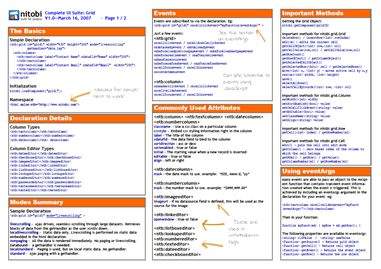
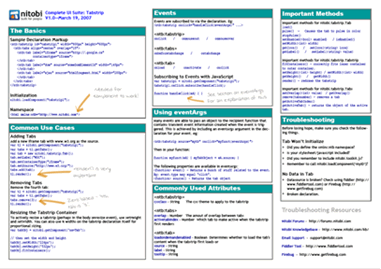
Now that we’ve finally, formally released our suite of ajax components, I’m just reflecting on all the hard work the team has put into making them fast, fluid, and usable. I thought I’d do a kindof top 10 things I’m jazzed about with the Complete UI suite in general.
10. Built-in StatefulnessÂ
 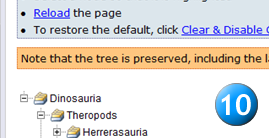
Using the Ajax toolkit it’s possible to serialize the component objects to XML, store them in a cookie (or in a table in the database) and then restore them to that state the next time the user visits the page. Plain english: components can remember the way they were left. Tree nodes that are left expanded, can be restored to that state. Want to add items to the fisheye or tab and have it remember that for the user? No problem.
9. Precache images helper methods
Another really handy piece of the toolkit is some helper methods to scour all the CSS documents in the page and pre-load the background-images. You can do this globally for all sheets or just for one sheet. It also has some built in smarts to be able to read @import references.
8. Resize Grid with the Mouse
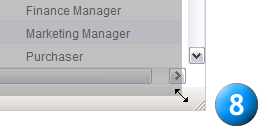
This is something we recently added for a customer. You can put grid into dynamic-resize mode so the user can resize it with the mouse. This is a lot like the resizable WYSIWYG in WordPress. Just love this feature.
7. XHR Tools
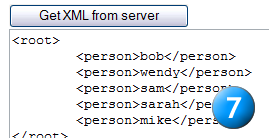
Finally, you can now use the same XmlHttpRequest methods that our components use, but in your own applications. This includes our cross-browser XSL processing libraries. I don’t know why we didn’t do this sooner (well.. I do. waaay to busy!)
6. In-place Cell Editing in Grid
 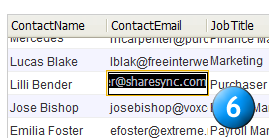
For some reason a lot of people don’t realize that you can actually edit data right inside Grid just like you would in Excel. This saves users a lot of time over other methods where you have to click on an ‘edit’ button and the row goes into edit mode.. things like that.
5. Fisheye Magnification Effect
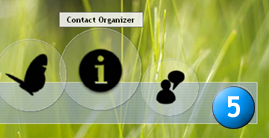
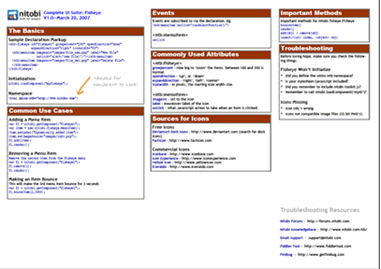
I can’t get enough on this. Fisheye lets you use the MacOS-dock magnification effect right in your web applications. I think this feature has a lot of potential in enterprise web apps – specifically when users are dealing with a lot of documents, and you want to provide a quick way for them to browse through them.
4. SmartList mode in Combobox
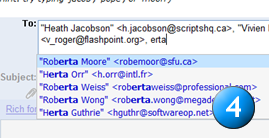
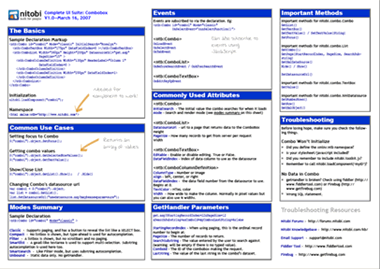
Combobox has this feature called Smartlist. Just think of the ‘to’ field in GMAIL or Outlook – how you can string together multiple entries in one text field and perform autocompletion on each one. Its a really handy usability bonus to avoid having to tab between multiple fields when performing multi-select.
3. Ajax databinding in Tree
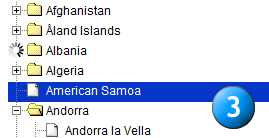
Im really jazzed about the performance of Tree with large datasets. Using Ajax you can drill down into arbitrarily large tables, which it handles with ease.
2. Tabstrip skins
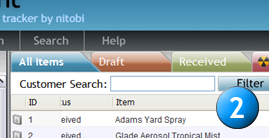
Tabstrip really is turning out with the skins we’re able to put on it. Its handy to be able to use CSS selectors to provide an arbitrary number of variations on a single theme. It also makes embedding multiple tabs on the same page easier because each can have their own skin.
1. Callout in Grid
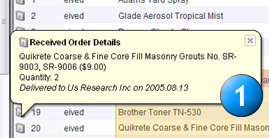
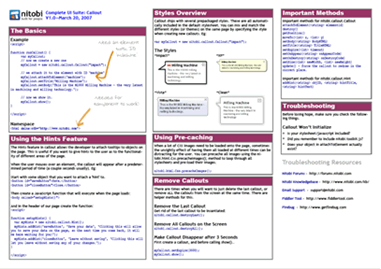
This may seem small, but I love being able to use callout to provide contextual data in datagrids: Validation feedback, metadata on rows, and even context menus. The fact that Callout just LOOKS hot is a bonus too.
So incase you couldn’t tell. Complete UI is finally available! Get a free trial at our site: http://www.nitobi.com/download/
�
 I’ll be hitting the sun-drenched shores and bustling cuidades of Cuba for the next few weeks. In my absense, Dre, Dave, Mike, and the lot will be taking over. Can’t wait to see the progress on Complete UI for Q2 when I get back!